Skip to content
Swift-Slide
Try 1 page

4 real conversion examples

See the original.
Explore what you can edit.

From AI slides to event flyers.
Compare each original with its actual English editor capture.

Fictional English documents. Real conversions. Select any image to take a closer look.

01AI slides

Keep the design. Make the wording yours.

Fine-tune an AI-generated slide when you want to change the wording yourself.

OriginalPNG

The headline, supporting text and illustrations are all part of one PNG image.
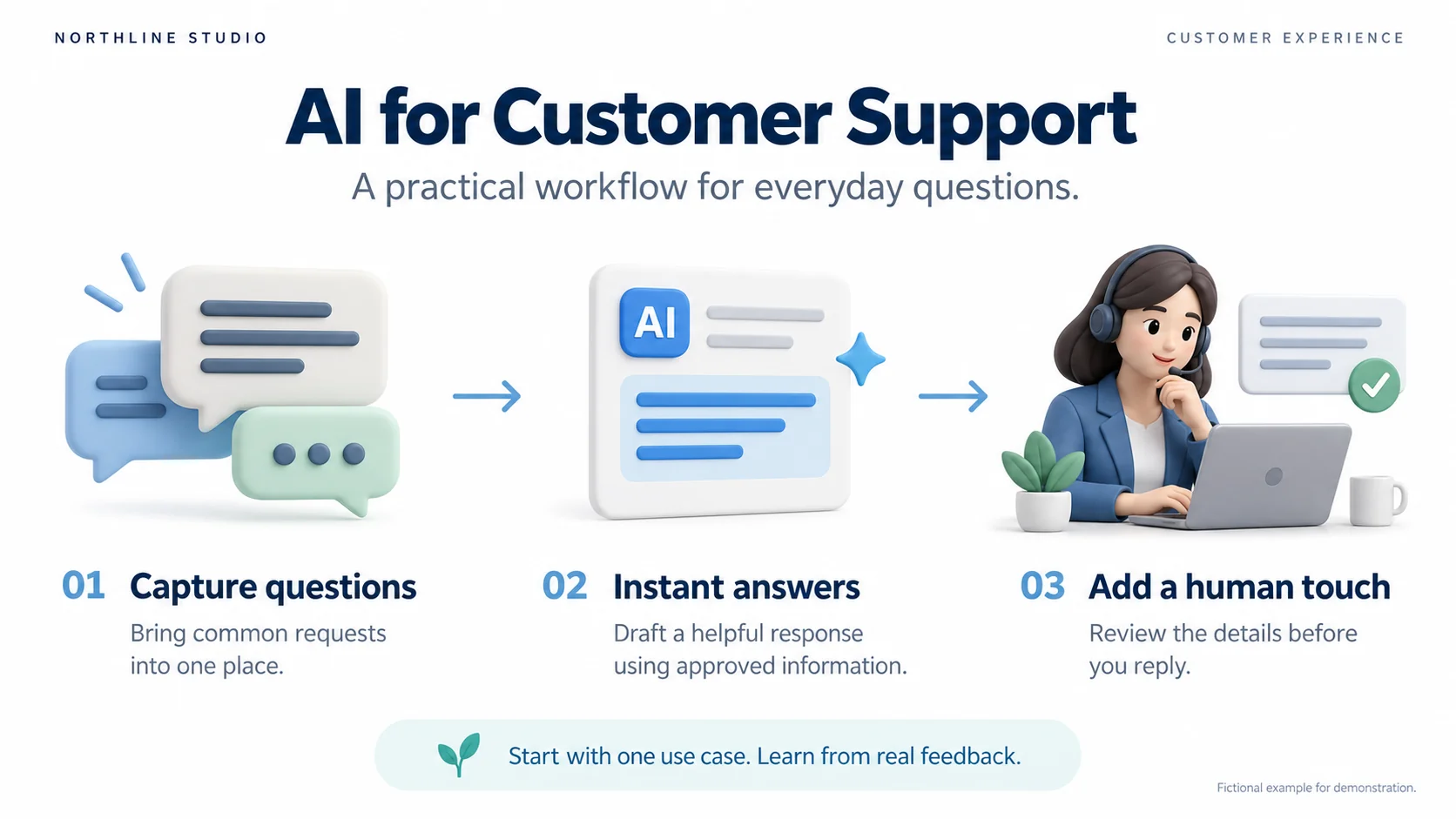
Original English AI for Customer Support slide, with three illustrated stages: capture questions, instant answers and a human review.Enlarge image
After conversion: editorSwift-Slide

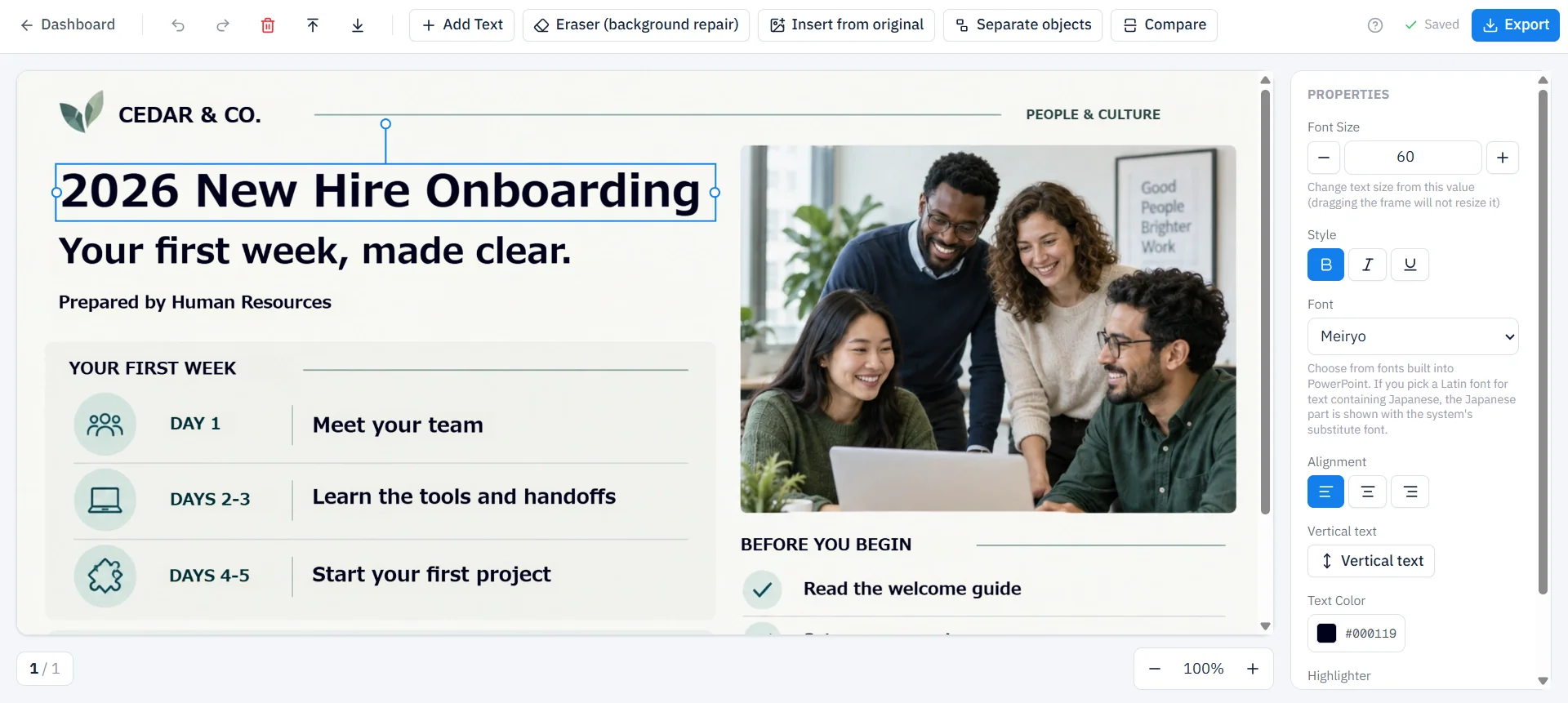
The headline is selected as text. Font and size controls appear on the right.
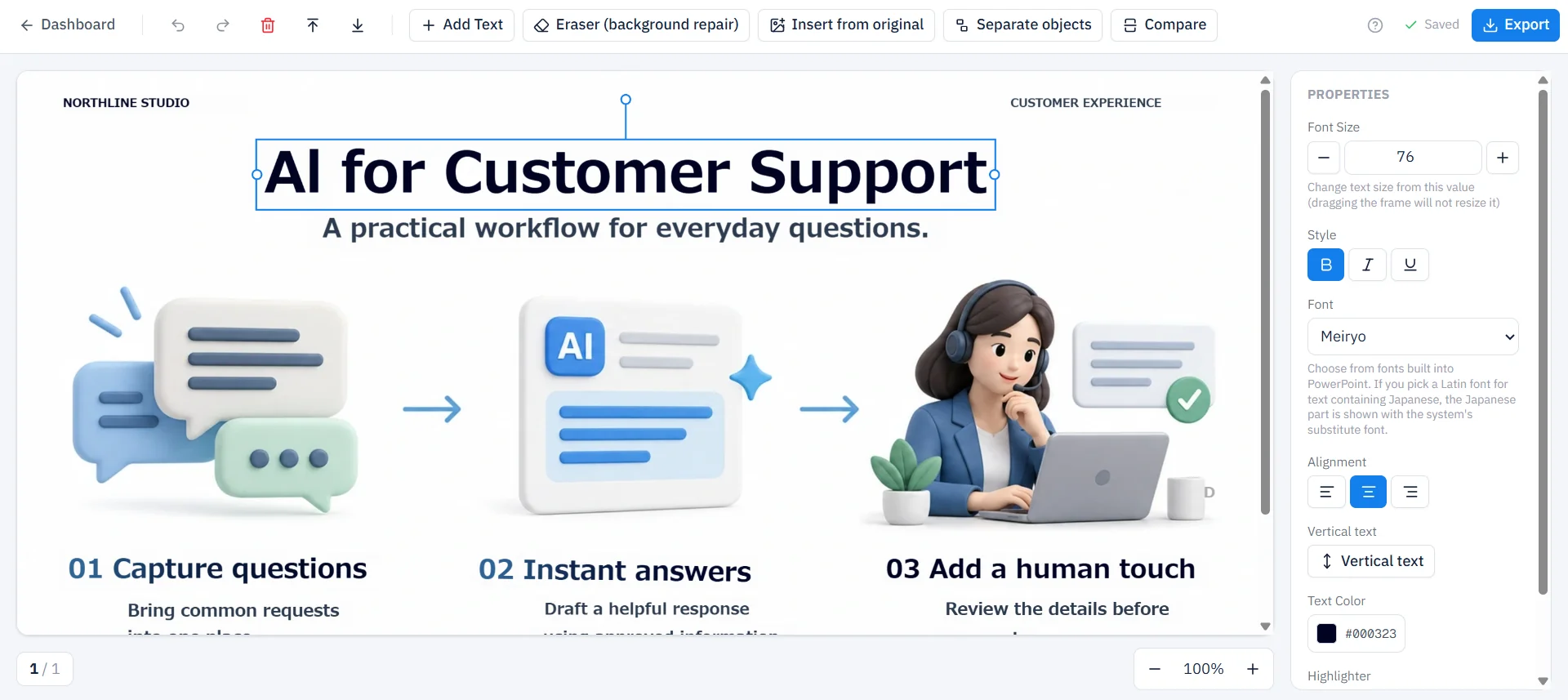
Actual English Swift-Slide editor capture with the AI for Customer Support headline selected as editable text.Enlarge image

The editor capture shows part of the document. Select an image to enlarge it and switch between the original and editor view.

What you could change

For example, change “Instant answers” to “Faster first responses” to match the wording you want to use.

This capture shows the original headline selected after conversion. The wording change above is an example to try; allow space for a longer phrase.
02Sales one-pagers

A polished one-pager. Ready for your next client.

Adapt an existing sales sheet when you have the PDF or image, but not the original editable file.

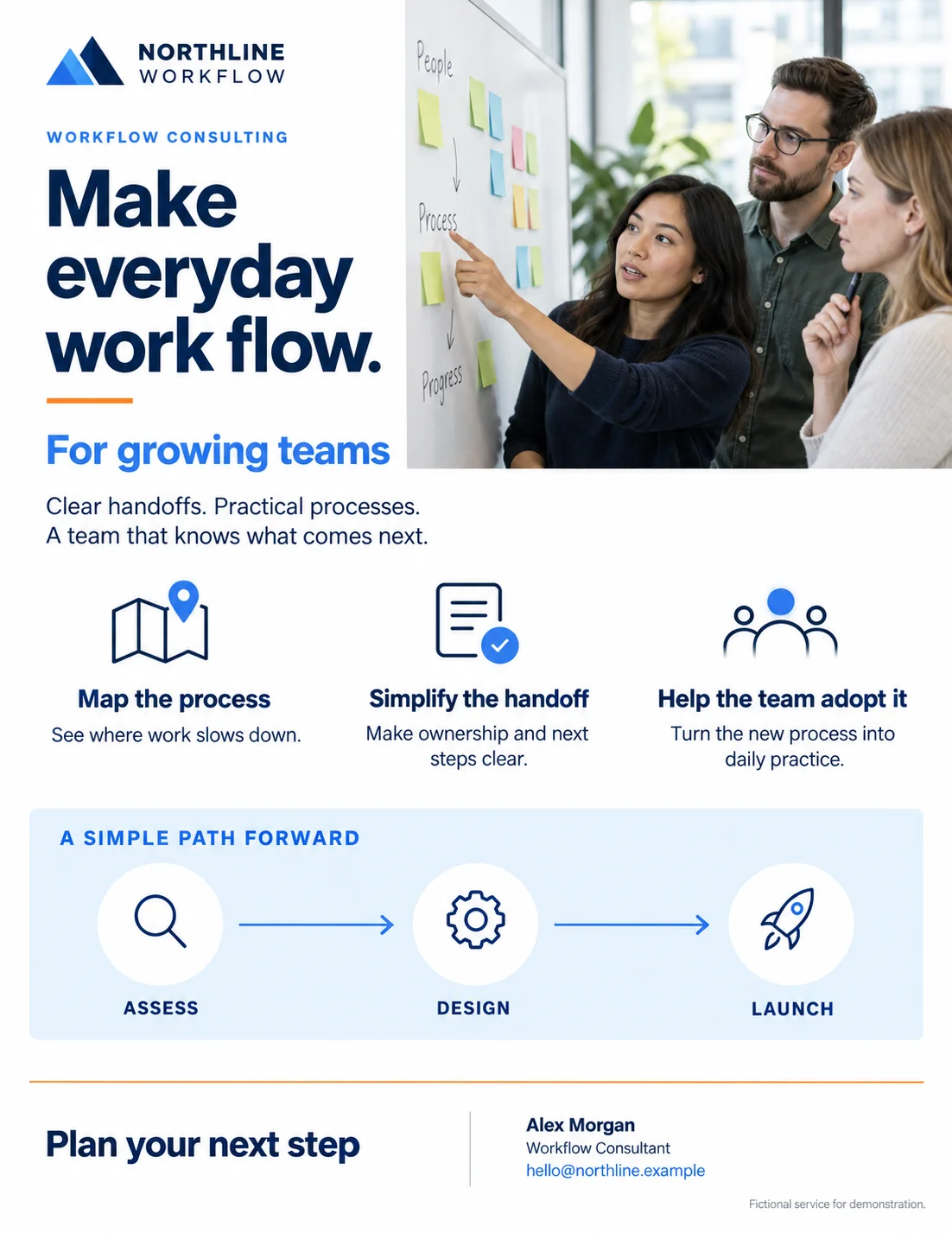
OriginalPNG

A single PNG containing the sales copy, photography and process diagram.

Original English Northline Workflow sales one-pager with service descriptions, a team photo, a process diagram and a consultant contact.Enlarge image
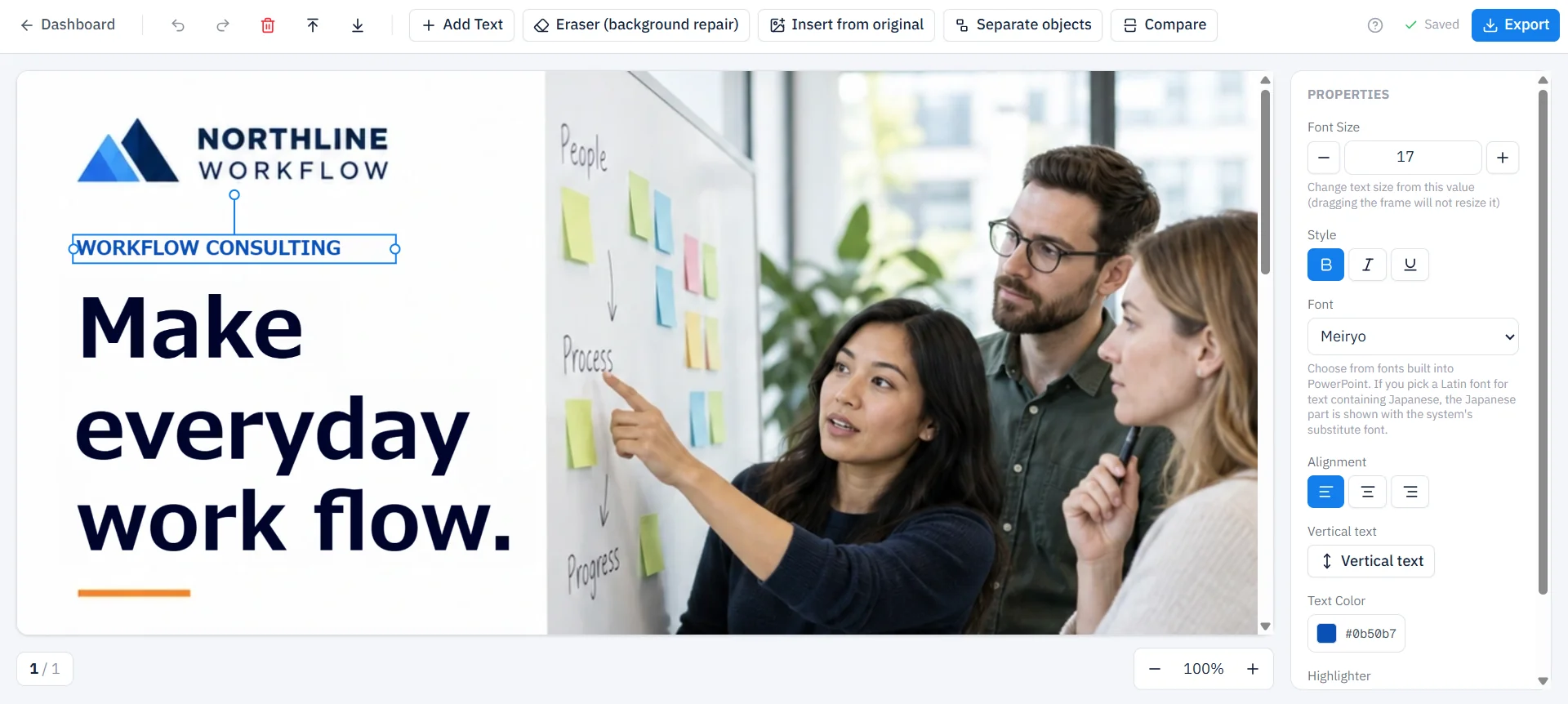
After conversion: editorSwift-Slide

“WORKFLOW CONSULTING” is selected as editable text above the main headline.

Actual English Swift-Slide editor capture with WORKFLOW CONSULTING selected as editable text in the sales one-pager.Enlarge image

The editor capture shows part of the document. Select an image to enlarge it and switch between the original and editor view.

What you could change

For example, change “For growing teams” to “For customer support teams” and update the consultant name for the next proposal.

The capture shows the top of the converted one-pager. The audience and contact edits above are examples to try; the process diagram is further down the original.

03Training materials

Update the details. Reuse the training.

Refresh an inherited training document for the next session, even when its editable source is missing.

OriginalPNG

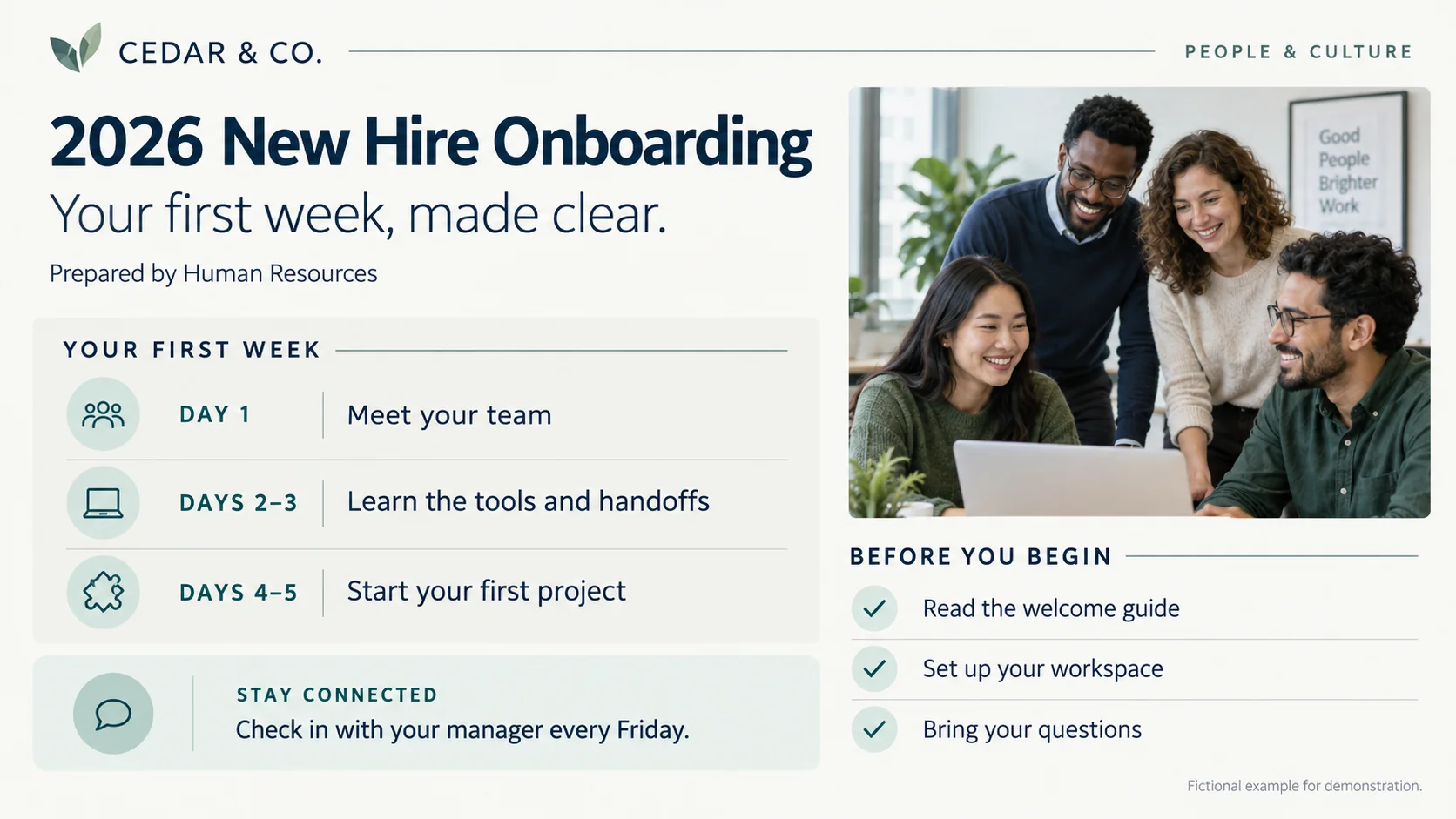
A training slide with the year, department, schedule and photo flattened into one image.

Original English 2026 New Hire Onboarding slide for Cedar and Co., with a first-week schedule and team photo.Enlarge image
After conversion: editorSwift-Slide

The “2026 New Hire Onboarding” headline is selected as editable text.

Actual English Swift-Slide editor capture with 2026 New Hire Onboarding selected as editable text.Enlarge image

The editor capture shows part of the document. Select an image to enlarge it and switch between the original and editor view.

What you could change

For example, update 2026 to 2027, change “Human Resources” to “People Operations”, or move the weekly check-in from Friday to Monday.

The screenshot shows the 2026 headline before those changes. Review text size, spacing and line breaks as you update the details.

04Event flyers

Same workshop. Ready for the next date.

Reuse a past event flyer by updating the details and working with its photo in the editor.

OriginalPNG

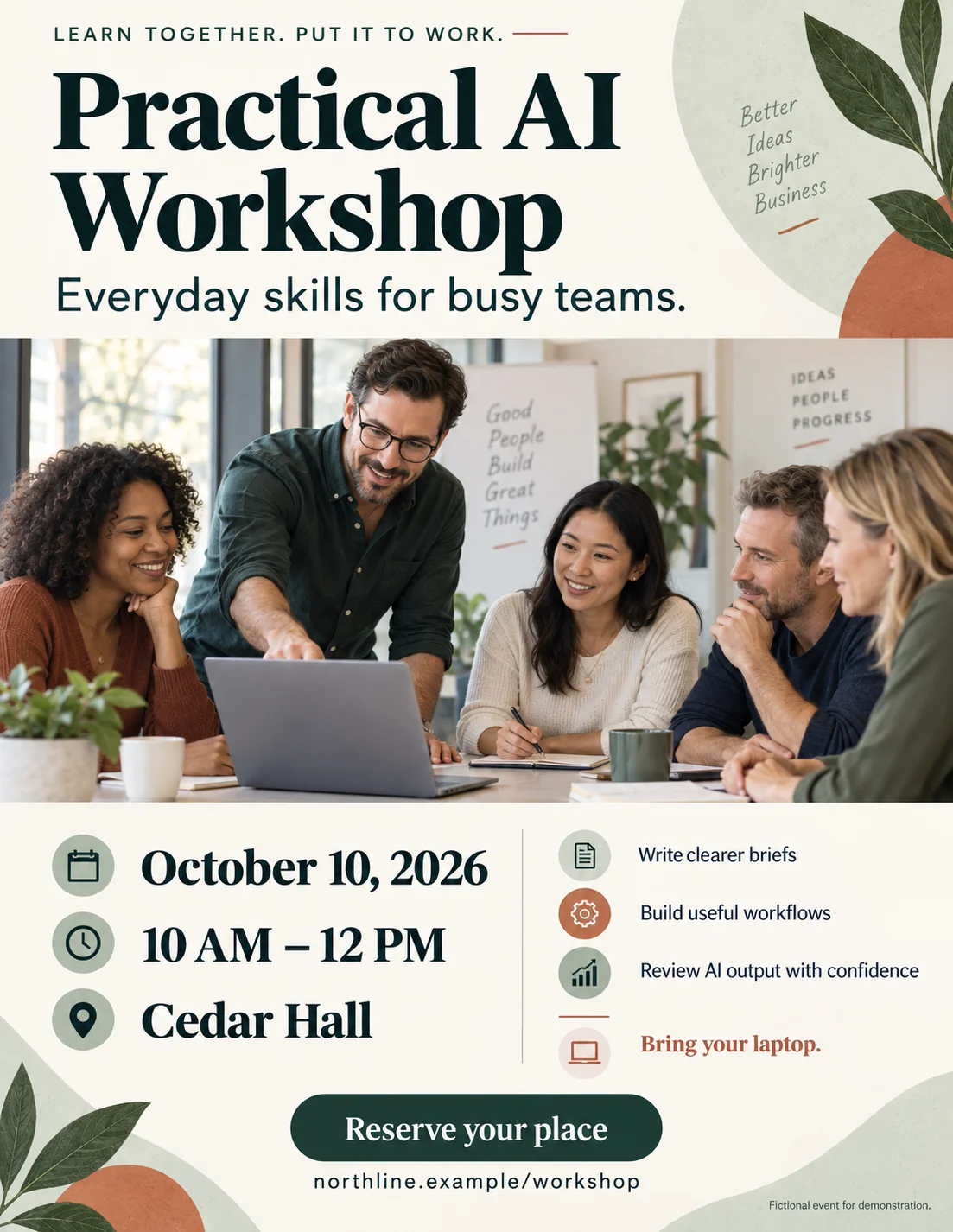
A portrait PNG combining the event details, photograph and decoration.

Original English Practical AI Workshop flyer, showing October 10, 2026 at Cedar Hall and a large workshop photo.Enlarge image
After conversion: editorSwift-Slide

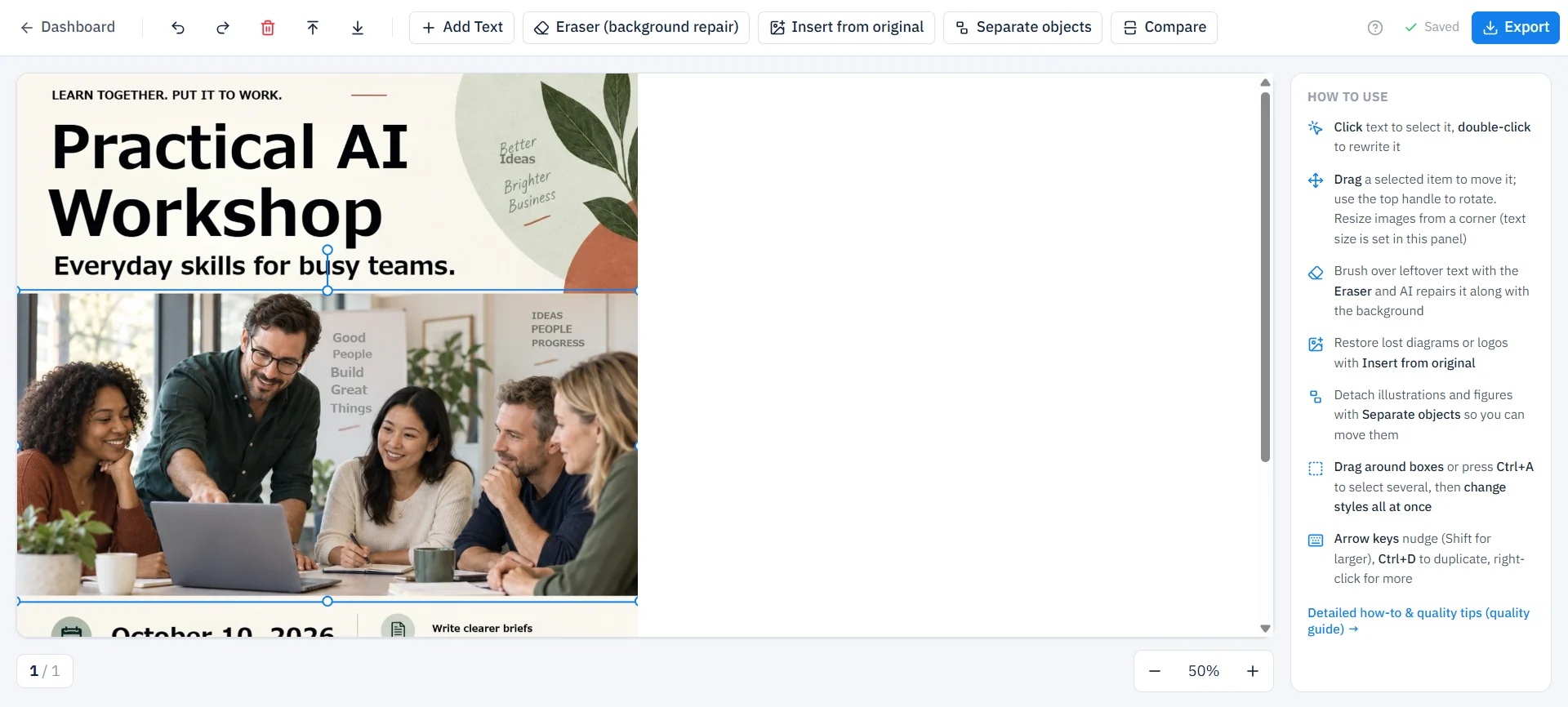
The workshop photo is selected as an image object, with resize handles visible.

Actual English Swift-Slide editor capture at 50 percent zoom with the workshop photo selected in a blue bounding box.Enlarge image

The editor capture shows part of the document. Select an image to enlarge it and switch between the original and editor view.

What you could change

For example, change the date to November 14, 2026, update the venue to Riverside Studio, or add a new photo for the next session.

This capture is at 50% zoom and shows the original photo selected. The date, venue and photo changes above are ideas to try.

These are actual conversions of fictional, AI-generated English documents. The captures show selected text or a photo, before the suggested edits. Fonts, spacing and layout can change; review your own result.

A familiar file. A fresh start.

Now try a page of your own.

No signup to convert or edit. Create a free account to download.